Getting Started With Cattly - Your Complete Setup Guide
- Cattly Editorial Team
- 02 Mins read
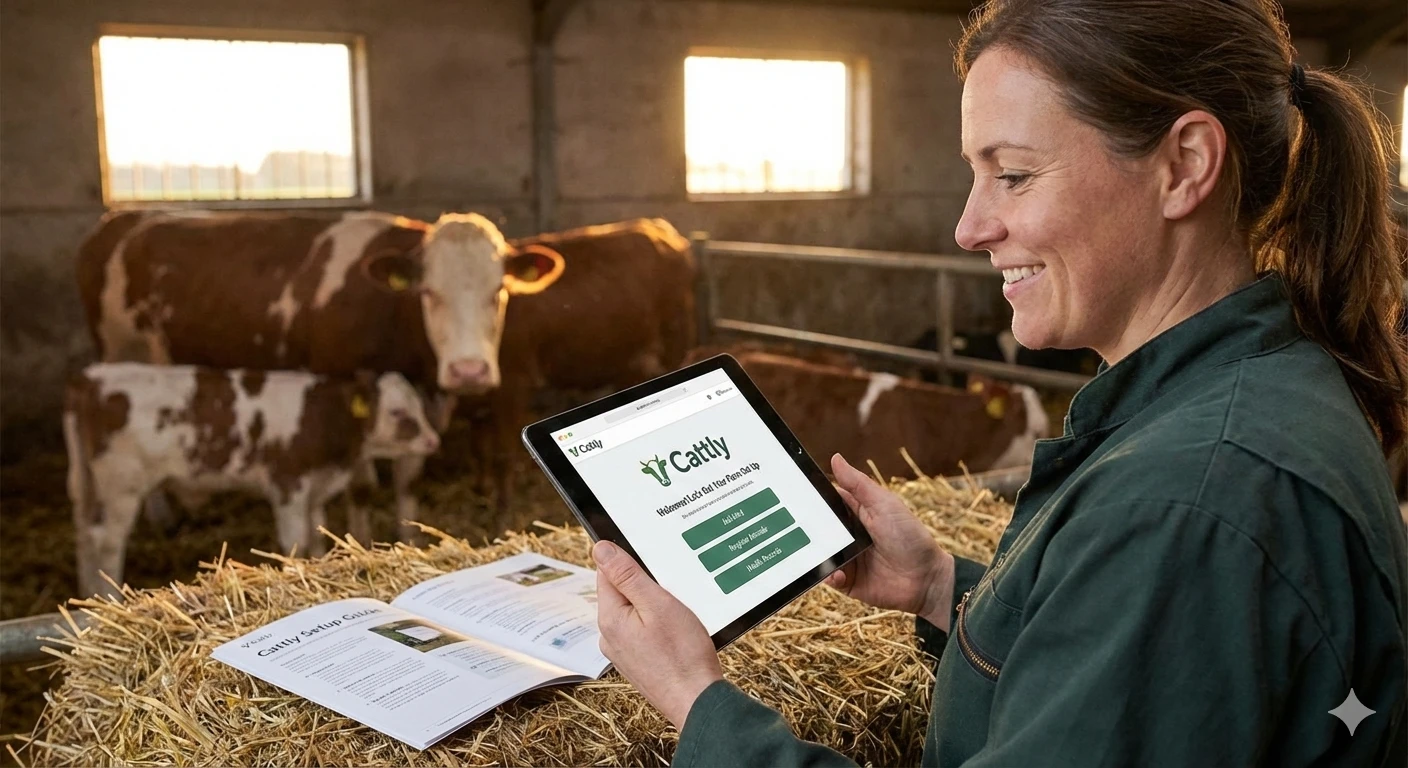
Transitioning to digital farm records shouldn’t be complicated. Cattly is designed to be intuitive, guiding you from a blank slate to a fully operational dashboard in just a few minutes.
This guide walks you through the 4-step onboarding process so you can start tracking your livestock’s performance immediately.
Step 1: Account Creation & Regional Settings
Everything starts with a secure account.
- Register: Go to app.cattly.io and create your account.
You can also download the Cattly Android app. It uses the same free account and works offline in the field.
- Verify: You’ll receive a confirmation email to secure your identity.
- Configure Preferences: The first onboarding screen will ask for your:
- Language: Choose your preferred interface language.
- Timezone: Critical for accurate timestamping of births and treatments.
- Currency: Ensures all your financial reporting (feed costs, sales, expenses) matches your local economy.
Tip: Setting these correctly now saves you from standardized report confusion later.
Step 2: Define Your Management Groups (Flocks/Herds)
Organizing your animals is key to effective management. Instead of a giant list of animals, Cattly uses Groups (often called Flocks for sheep/poultry or Herds for cattle).
On the second screen, you will:
- Name your Group: e.g., “Main Barn Herd,” “Spring Lambs 2026,” or “Pasture A Heifers.”
- Add a Description: Add notes about location, breed specifics, or intended purpose (e.g., “Breeding stock,” “Fattening”).
Why this matters: Grouping allows you to apply bulk actions later, like vaccinating 50 head at once or calculating the average feed conversion ratio for a specific pen.
Step 3: Register Your First Animal
Now, let’s populate your farm. You’ll add your first individual animal profile.
You will need to provide:
- Name/ID: The ear tag number, brand, or given name (e.g., “Bessie” or “UK12345”).
- Basic Details: Date of birth, breed, and gender.
- Group Assignment: Assign this animal to the Flock/Herd you created in Step 2.
Note: Accurate birth dates are crucial for age-based alerts (like weaning or vaccination reminders) and growth tracking.
Step 4: Weight & Purchase Data
The final step connects your animal’s biology to your business financials.
- Initial Weight: Enter the current weight. This becomes the “baseline” for all future Average Daily Gain (ADG) calculations.
- Purchase Details: If purchased, log the date, price, and supplier. If born on-farm, you can mark it as farm-bred.
Need to estimate an animal’s weight? Use our Cattle Weight Estimator to get started immediately.
You’re Live! What’s Next?
Congratulations! You now have a live animal record in the system. The dashboard is fully unlocked, and you can start experimenting with Cattly’s powerful features:
1. Track Growth History
Add a new weight entry next week. Cattly will automatically calculate the Average Daily Gain (ADG) so you can see if your feeding program is working.
Learn more about how to measure and improve ADG or use our online ADG calculator for quick checks.
2. Log Health Records
Click on your animal profile and navigate to the “Health” tab. You can log vaccinations, deworming, or illness treatments. The system will track withdrawal periods automatically to ensure compliance.
3.Manage Expenses & Feeds
Start logging feed purchases or vet bills. Assign them to specific flocks or individual animals to get a breakdown of your Cost of Gain.
Wondering if your production is profitable? Run the numbers with our Livestock Break-Even Calculator.
Ready to modernize your farm? Create your free account at app.cattly.io →
Frequently Asked Questions
Is Cattly free to use for small farms?
Yes! Cattly offers a robust free tier that lets you manage your flocks, track animal weights, and log health records without any cost.
Can I track different types of livestock?
Absolutely. During setup, you create specific 'Flocks', 'Herds', or 'Groups', allowing you to manage cattle, sheep, goats, or poultry separately within the same account.
What happens after I add my first animal?
Once an animal is in the system, you can immediately start logging daily activities like feed expenses, weight changes, health treatments, and even upload photos to track their development over time.
How do I change my currency or timezone later?
You can update your farm settings at any time from the main dashboard settings menu to reflect changes in your location or reporting preferences.
Ready to Stop Losing Records?
Join 500+ ranchers managing healthier herds with free cattle management software. No credit card — just better records.