Ditch the Paper: Free Calving Book Google Sheet Template
- Cattly Editorial Team
- 06 Mins read
Calving season is chaotic enough without trying to decipher your own handwriting on a mud-splattered notepad.
I’ve seen notebooks fall in water troughs, get chewed up by the dog, or just disappear from the truck dashboard right when you need to know exactly which cow gave birth to that slick black calf over by the fence line. Paper works until it doesn’t. And when you lose the calving book, you lose the lineage, the history, and the hard data you need to make keep-or-cull decisions next year.
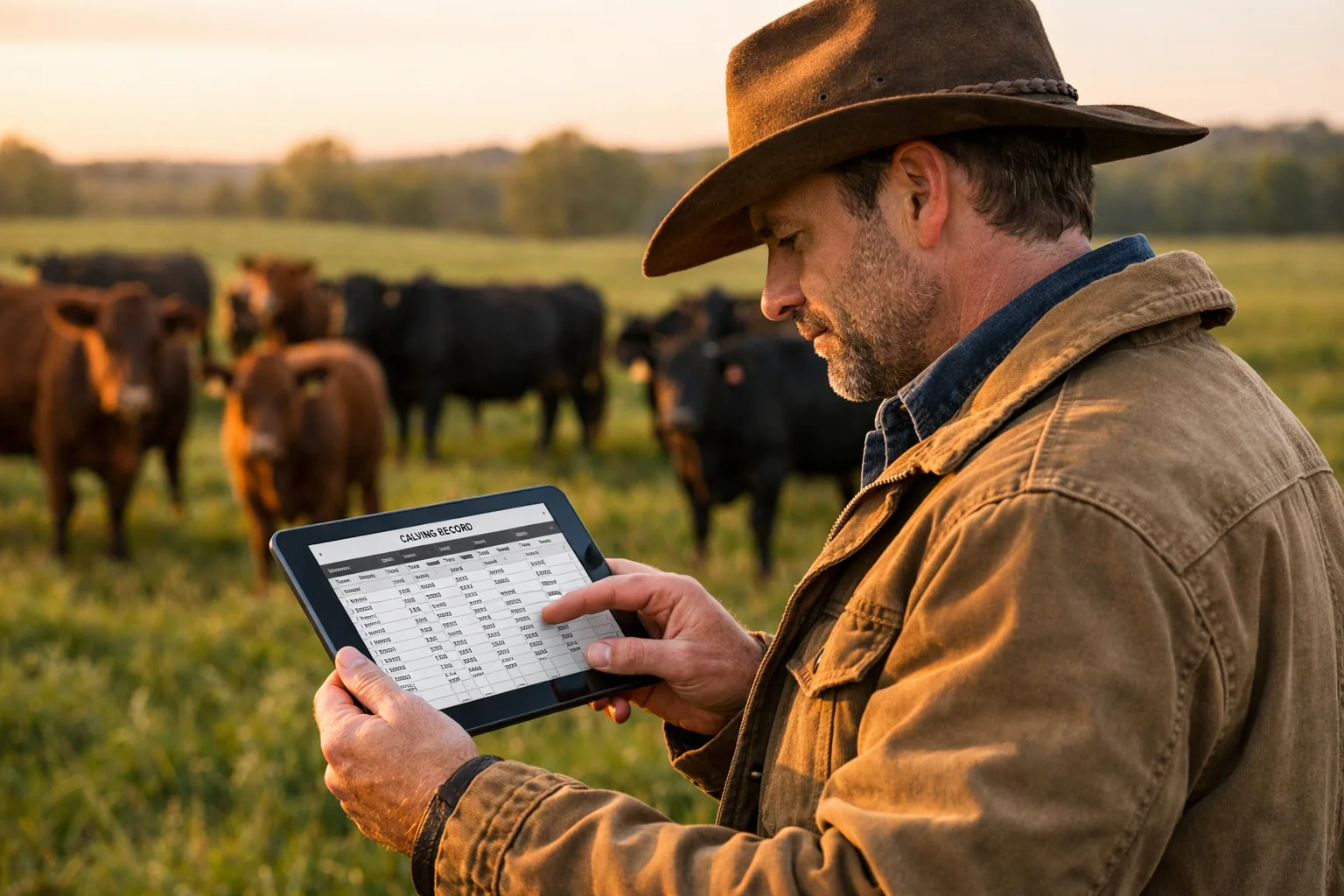
We built a free Calving Book Google Sheet template to fix this. It’s simple, it’s clean, and you can open it right on your phone in the pasture.
Get the Free Calving Book Google Sheet Template Here - (Link will ask you to make a copy to your own Google Drive)
Why paper calving books fail you
Most operations start with paper. It’s cheap and it doesn’t run out of battery. But the hidden costs of paper records show up months later, usually when you need the information the most.
You write down “Cow 42, Bull Calf, unassisted” in February. In October, during weaning, you’re trying to figure out if Cow 42’s calf actually performed well enough to justify keeping her around for another year. To find that out, you have to dig through the notebook, match the calf tag to the cow tag, try to account for any lost tags, and hope you didn’t miss anything.
If multiple people work on your farm, paper is even worse. Your hired hand writes down a birth in a notebook that stays in their pocket. You write one down in your truck. Your dad writes one on a feed sack he hangs in the barn. At the end of the week, nobody knows the actual calf count unless you sit down and physically reconcile the lists. I genuinely hate that kind of busywork. It is a waste of time.
The problem with messy Excel files
A lot of ranchers realize paper is a problem and try to build an Excel spreadsheet. This is definitely better than paper, but it usually turns into a mess in its own unique way.
You end up with a file called Calving List 2024 FINAL_v2.xlsx. You email it to your business partner or spouse. They make changes and save it on their desktop. Now you have two versions of the truth.
Plus, opening a complex Microsoft Excel file on a smartphone while sitting in a side-by-side isn’t exactly a smooth experience. You end up scrolling sideways trying to find the right column, accidentally deleting a row, and giving up. Usually, the data just lives on a laptop in the office. That means you still have to write it on paper first out in the barn, and then remember to type it in later that night when you are exhausted. That defeats the whole purpose of digital records.
What makes this Google Sheet template different?
We designed this sheet to be actually usable in the field. It doesn’t have 50 columns you’ll never fill out. It tracks exactly what you need to know, nothing more.
It lives in Google Drive, which means it auto-saves constantly. If you drop your phone in the mud and ruin it, your data is fine. Just log into your account on a new phone or computer. If your partner opens the app on their phone, they see the exact same data you see, updated immediately. No emailing files back and forth.
What we included in the tracker:
- Calf Tag / ID: The unique identifier for the new arrival.
- Birth Date: Formatted clearly so you can sort chronologically to see when the bulk of your calves hit the ground.
- Sex: Bull or Heifer (or Steer if you castrate at birth).
- Dam ID: Which cow this calf belongs to. If you miss matching a calf to a cow in the first 24 hours, good luck figuring it out later when they group up.
- Sire ID: If you run multiple bulls or use AI, this lets you track which genetics are throwing the best calves.
- Birth Weight: If you pull weights at birth, log them here. If not, just hide the column.
- Calving Ease Score: We use a simple 1 to 5 scale. A “1” means unassisted. A “5” means abnormal presentation requiring veterinary intervention. You want to know this so you can cull cows that consistently need help.
- Notes / Treatments: Did it need colostrum? Did you dip the navel? Did it get a scour pill? Put that here.
(Need to double-check due dates before calving season hits? Use our free Cattle Gestation Calculator to quickly find expected dates.)
The true cost of bad records
Your cattle records are just as valuable as the cattle themselves. You can’t improve what you don’t measure.
Think about weaning day. If you don’t know the exact birth date of a calf, you can’t accurately calculate its adjusted 205-day weaning weight. If you don’t have the adjusted weight, you’re just eyeing them up and guessing which cows are raising the heaviest calves. You might look at a big, strapping calf and think the cow did a great job, completely ignoring the fact that the calf is two months older than the rest of the herd.
Guessing leaves money on the table. You end up keeping cows that look good but perform poorly on paper, and culling cows that actually raise a higher percentage of their body weight.
This template is a bridge. It gets you off paper and into the habit of logging structured data. After a while, you start seeing patterns. You notice that Cow 88 consistently throws late calves that need pulling. You notice that the calves out of your new bull are averaging five pounds lighter at birth but have incredible vigor. You start managing the herd instead of just reacting to it.
How to customize the sheet for your operation
Every ranch runs a little differently. You might want to track things we left off the default template. Because it is a Google Sheet, you can easily add columns. Form your own workflow.
For example, if you run a dairy or deal with high-risk calves, add a checkbox column for “Colostrum Administered”. If you give a specific vaccine at birth, add a column for “Inforce 3 Given” or whatever product you use.
Just keep it simple. If you add too many columns, your team will stop filling it out. The goal is friction-free data entry in the pasture, not building a masterpiece database.
How to get started (Step-by-Step)
Getting this set up takes about two minutes.
- Click the link: Use the link provided above or at the bottom of this page.
- Make a copy: Google Drive will ask you if you want to make a copy. Click “Make a copy.” This saves a private version directly to your own Google account. Nobody else can see your data.
- Get the app: If you don’t have it already, download the free Google Sheets app on your phone (available for iPhone and Android).
- Make it offline available: This is the most important step for ranchers. Open the app, find your new calving sheet, tap the three dots next to the name, and select “Make available offline.” Now you can enter data even when you’re in the back pasture with zero cell service. The app will sync automatically the next time you connect to Wi-Fi.
When you outgrow the spreadsheet
Spreadsheets are a massive improvement over paper, and I recommend them for anyone just starting to digitize their farm. But they do have a ceiling.
Eventually, you’ll realize that having a calving sheet for 2025, another one for 2026, and a separate sheet entirely for medical treatments makes it hard to see the big picture. When you want to look at a 5-year-old cow and instantly see her entire producing history—every calf she’s had, every shot she’s taken, her average calving interval—a spreadsheet makes you work way too hard to assemble that story.
That’s the point where you move to dedicated cattle management software like Cattly.
With Cattly, you don’t scroll through endless rows of data on a tiny screen. You just open an animal’s profile and everything is right there. The app reminds you about booster shots. It automatically calculates average daily gains. It maps lineages out for you. It handles the math so you never have to write another spreadsheet formula.
The best part? Because you started with our Google Sheet template, your data is already clean and organized. When you’re ready to upgrade to Cattly, you can just import the spreadsheet you’ve been using. You don’t lose any history, and the transition takes minutes.
Get your records right this season
Don’t wait until you’re sleep-deprived in the middle of a snowstorm to figure out how you’re going to track your calves. Sort out the system now.
Download the template. Share access with whoever helps you check cows. Get the app on your phone. You will honestly be surprised by how much better it feels to have everyone looking at the same numbers at the same time, without having to hunt down a lost notepad.
Download the Free Calving Book Google Sheet Template
If you find yourself spending more time fixing spreadsheet formatting than managing your cows, it might be time to skip the template and try Cattly. We built it specifically to replace these spreadsheets, and it works flawlessly out in the pasture, whether you have a signal or not.
Start using Cattly for free today.
Related Resources
Frequently Asked Questions
Is this calving book template really free?
Yes, the Google Sheet template is completely free. You just need a free Google account to make a copy and use it for your herd.
Can I use the calving spreadsheet without cell service?
Yes. If you download the Google Sheets app on your phone and set the file to 'Make available offline', you can enter data in the pasture without service. It will sync automatically once you connect to Wi-Fi.
How is this different from a normal Excel spreadsheet?
Unlike a standard Excel file that gets emailed around and creates version issues, this Google Sheet lives in the cloud. Anyone on your team can view or edit the same live document simultaneously from their phone or computer.
When should I switch from a spreadsheet to cattle software?
You should switch when you start struggling to see the big picture—like trying to look up a cow's entire 5-year history. Software like Cattly connects all the dots automatically, whereas spreadsheets keep yearly data separated.
Ready to Stop Losing Records?
Join 500+ ranchers managing healthier herds with free cattle management software. No credit card — just better records.